
AI app deployment means two different things depending on who's asking. If you trained a model and need to serve it, that's MLOps, handled by platforms like SageMaker or Vertex AI.
If you built an app that calls AI, whether that's a vibe-coded prototype or a piece of enterprise app development calling an LLM API, you need to deploy the application around it. That's what this guide covers.
Looking for one platform to deploy every layer of the app is the wrong starting point. A real AI app is a stack of layers, and the right deployment choice depends on which layer you're solving for.
Here's what those layers are, which platforms fit each one, and how to assemble a stack instead of picking a single tool and hoping it covers everything.
What is an AI app deployment stack?
A production AI app is rarely one deployable unit. It's typically six layers, and knowing which ones your app has determines everything else about where it runs.
Here are the six layers:
- Frontend: The interface users interact with, typically React, Vue, or Next.js.
- Backend API: The server logic that handles requests, auth, and business rules.
- Database: Where structured application data lives, usually Postgres or similar.
- Vector store: Where embeddings live for retrieval-augmented generation and semantic search.
- Model inference: Where the AI model runs, whether that's a hosted API call or a self-hosted model.
- Background jobs: Async work like processing uploads, batch inference, or scheduled tasks.
A simple app calling a hosted model API might only need three of these. A RAG application with its own fine-tuned model needs all six.
Our microservices deployment guide covers the patterns for splitting these into separately deployable services as an app grows.
How to choose a platform for each layer
Picking the right platform for each layer, or one that covers several layers well enough to consolidate, works better than forcing the entire stack onto a single tool.
Frontend and full-stack apps
For a frontend-heavy app or a simple full-stack app that calls a hosted model, Railway, Render, and Vercel are the fastest.
Railway gets you from a Git repo to a live URL with the least setup of any platform here, and it includes project-based networking that automatically connects your frontend, API, and database.
Render trades some of that speed for fixed, predictable workspace pricing that doesn't scale per seat. Vercel remains the strongest choice specifically for Next.js and React frontends, with a preview URL generated for every branch.
Backend API and background jobs
Once your app needs real backend logic, background workers, or scheduled jobs alongside the frontend, Railway, Render, and Fly.io all handle this.
Fly.io is the pick when you also need global edge placement and full control over the container runtime.
Model inference and GPU workloads
If part of your stack includes self-hosted model inference rather than simply calling a hosted API, most of the platforms above stop being the right fit.
Northflank is built specifically for this, with direct access to B200, H200, H100, and A100 GPUs, and the ability to deploy to your own AWS, GCP, or Azure account instead of a third-party cloud.
Low-cost and self-hosted options
If you want low-cost, predictable hosting or the option to self-manage, Dokploy offers cheap per-server pricing with a self-hosted option.
Kuberns is built specifically to take output from AI coding tools like Cursor or Bolt live with minimal configuration.
Serverless and pay-per-request
For apps with unpredictable or low traffic, where paying only for what gets used matters, Google Cloud Run scales to zero and includes a free tier of about 2 million requests per month.
Beyond that, Google's own pricing calculator runs a worked example for 10 million requests per month, 1 vCPU, and 512 MiB of memory, which comes to $13.69/month with the free tier applied.
Governed internal apps
If what you're deploying isn't a public product but an internal tool built with AI on company data, the calculation changes entirely.
Superblocks is built specifically for this case. Governed AI app building and hosting start on the Teams plan.
Role-based access comes with the Teams plan, while single sign-on and VPC hosting sit behind Enterprise, so governance isn't something you assemble separately across other platforms.
Our modern IT operations guide covers the broader operational context in which this fits.
All-in-one vs. best-of-breed: two ways to assemble a stack
There are two honest approaches to putting these layers together, and neither is wrong.
Best-of-breed means picking the strongest platform for each layer: Vercel for the frontend, Railway for the API, a managed Postgres provider for the database, and Northflank or a hosted vector database for retrieval.
This gets you the best tool for each job, at the cost of more integration work and more vendor relationships to manage.
Consolidated means choosing a single platform that covers most layers well enough, even if it's not the best option for any one of them.
Railway, Render, and Northflank all take this approach for general apps, while Superblocks takes it specifically for governed internal apps, bundling the app layer and governance together.
That way, you're not assembling RBAC and audit logging on top of a general-purpose host.
Our AI app builder vs. platform guide covers this distinction between a tool that builds and a platform that also runs what it builds.
Start consolidated, and split into best-of-breed only once a specific layer becomes a real bottleneck.
Platform comparison by layer
Here's how the nine platforms compare on strengths and starting price:
All prices below are monthly-billed rates, checked in August 2026. Northflank and Google Cloud Run bill by usage rather than with a flat plan; their table figures are the smallest realistic starting costs, not fixed monthly prices.
A closer look at the platforms
Railway
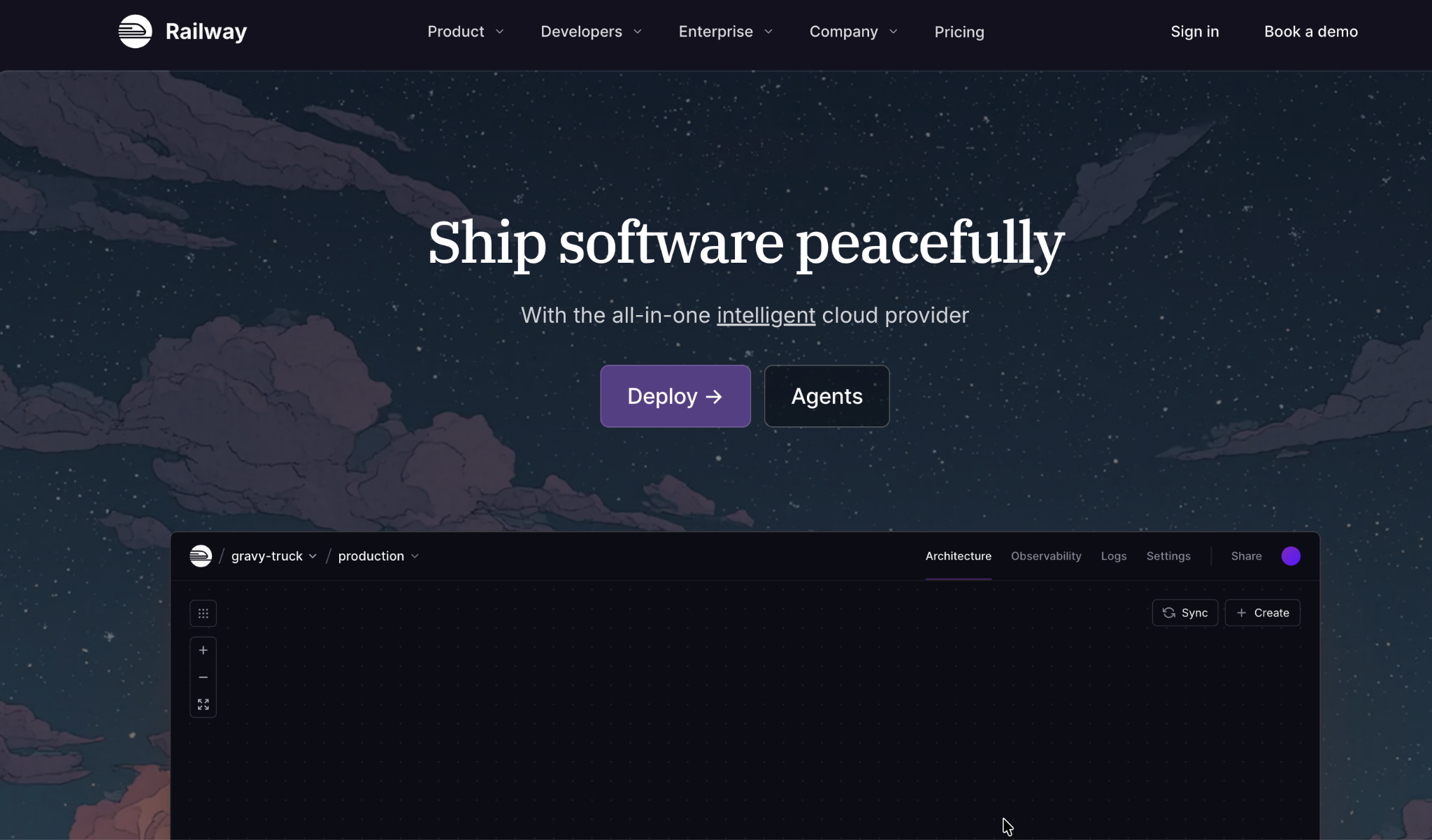
Railway deploys from a Git repository, a Dockerfile, or a container image, with services in the same project sharing a private network and automatically referencing variables.
For an AI app calling a hosted model, wiring up an API, a worker, and Postgres in one project is close to a five-minute job.
Pros
- Fastest setup here, with a clean dashboard and a large template library for common stacks.
Cons
- Usage-based overage can surprise teams that don't watch resource allocation, and there's no permanent free tier beyond a 30-day trial credit.
Pricing
Railway is free for a 30-day trial with $5 in credit. Paid plans start at $5/month for Hobby, with Pro at $20/month, and both count toward usage before overage.
See the Railway pricing page.
Render
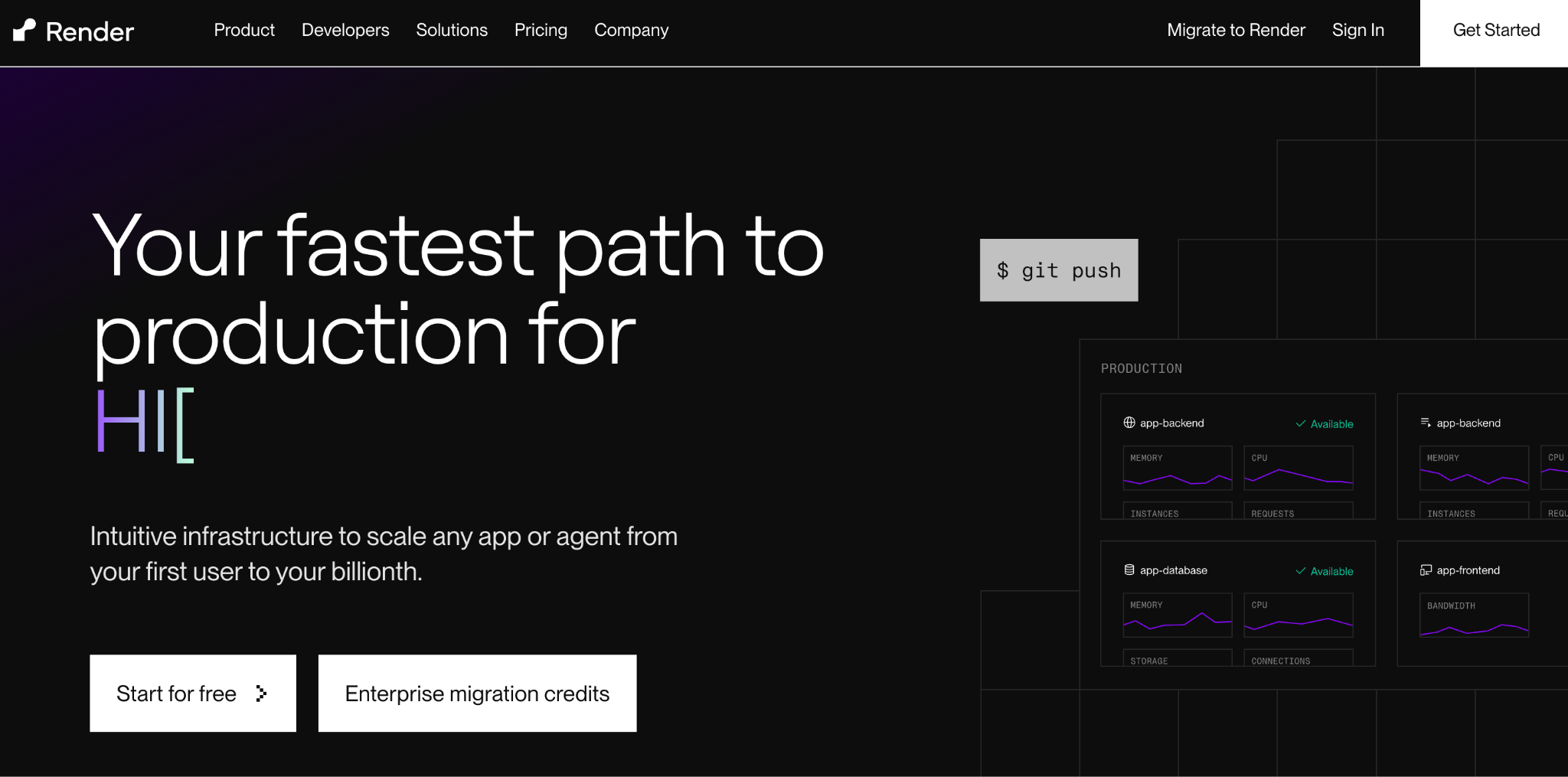
Render moved to fixed workspace pricing in April 2026, so plan cost no longer scales with headcount.
Compute is billed separately for each service, but the base plan cost remains predictable regardless of team size.
Pros
- No per-seat surprises, with a free tier and managed Postgres and Redis in the same network.
Cons
- Free-tier services spin down after 15 minutes of inactivity, and avoiding that requires the $7/month Starter instance.
Pricing
Render's Hobby workspace is free. Pro costs $25/month flat with unlimited seats, and Scale costs $499/month flat, with compute billed separately per service.
See the Render pricing page.
Vercel
Vercel remains the strongest developer experience for a Next.js frontend calling an AI API, with a live preview URL generated for every branch and pull request.
It's less suited to an app with a heavier backend, since container support is newer here than at Railway or Render.
Pros
- The strongest frontend experience here, with automatic preview deployments and strong AI SDK integration for streaming model responses.
Cons
- Per-seat pricing scales with team size, and bandwidth or function overages are where bills get unpredictable.
Pricing
Vercel's Hobby plan is free for personal projects. Pro runs $20/seat/month, with $20 of included usage credit, and Enterprise pricing is custom.
See the Vercel pricing page.
Fly.io
Fly.io runs Docker containers as machines across a global network of regions, billed per second while running.
Fly's own pricing page is a usage calculator instead of a list of static rates. Fly.io's own documentation gives $2.32/month as the always-on cost for its smallest machine, a shared-cpu-1x with 256MB.
A typical small production app runs closer to $10 to $25/month once storage and a dedicated IP are added.
Fly.io sacrifices some of Railway's or Render's polish for infrastructure control, which matters if your app needs consistent latency across continents.
Pros
- Global edge deployment, with granular per-second billing and deep control for teams that want it.
Cons
- No permanent free tier beyond limited free resources, and a steeper setup than a managed PaaS.
Pricing
Fly.io has no static rate card and bills by usage, though new accounts get a $5 trial credit. A minimal always-on machine runs about $2/month, and a realistic small production app runs $10 to $25/month.
Use the Fly.io pricing calculator for your workload.
Northflank
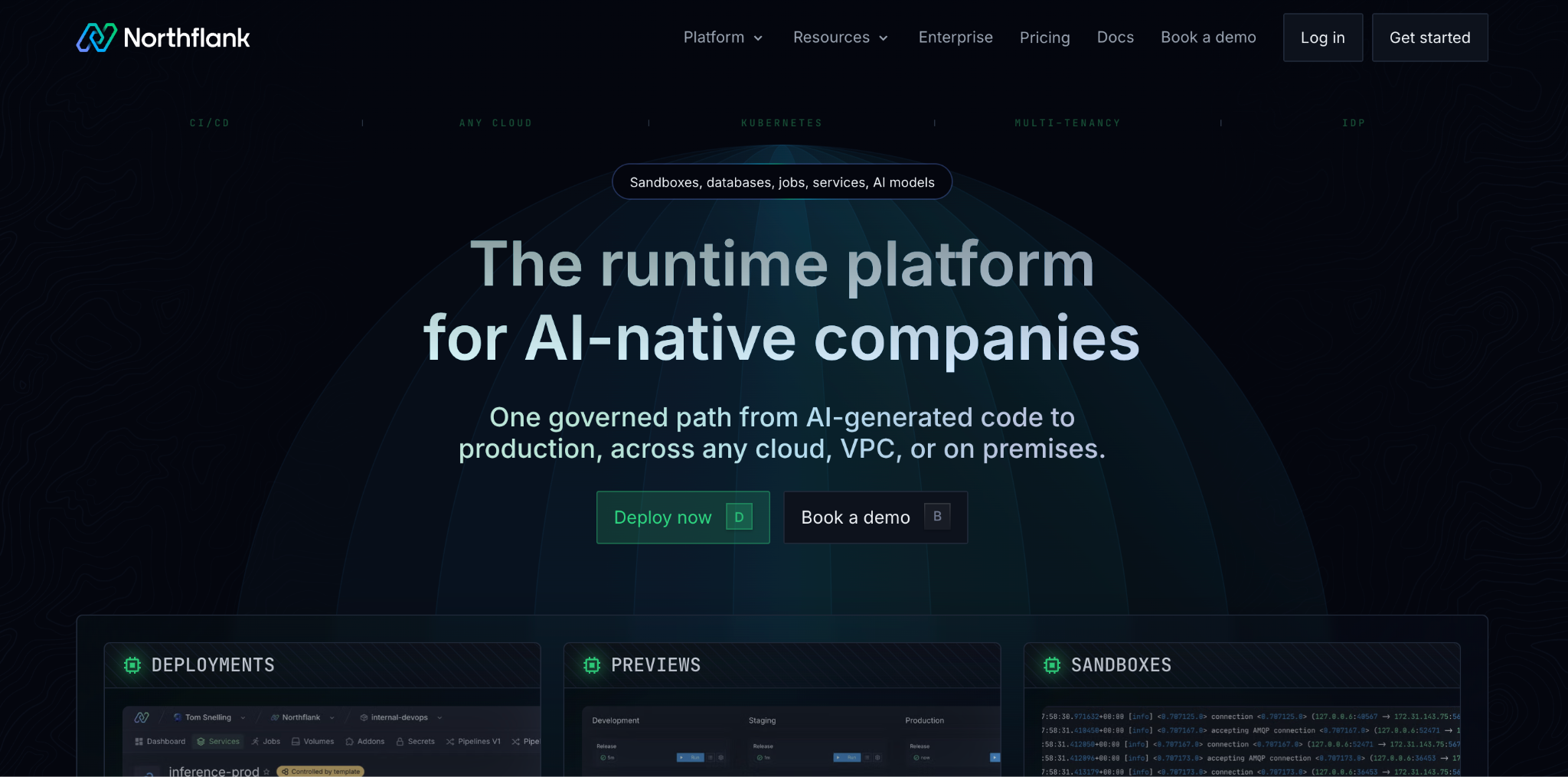
Northflank is the platform built for the full six-layer stack in one place, including model inference on GPUs alongside the application layer, deployable into your own AWS, GCP, or Azure account.
Pros
- Covers more of the stack than any other platform here, and BYOC removes vendor lock-in for regulated teams.
- Free sandbox to test before committing, with two free services and one free database included.
Cons
- More setup than a pure PaaS, and per-second usage billing needs modeling for larger deployments.
Pricing
Northflank has a free sandbox tier with always-on compute for two services.
Compute costs $12/vCPU/month and $6/GB of RAM per month on Northflank's own pricing page, metered per second under the hood.
GPUs run $576/month for an L4 24GB up to $2,160/month for an RTX PRO 6000 96GB, with A100 and H100 tiers in between.
See the Northflank pricing page.
Dokploy
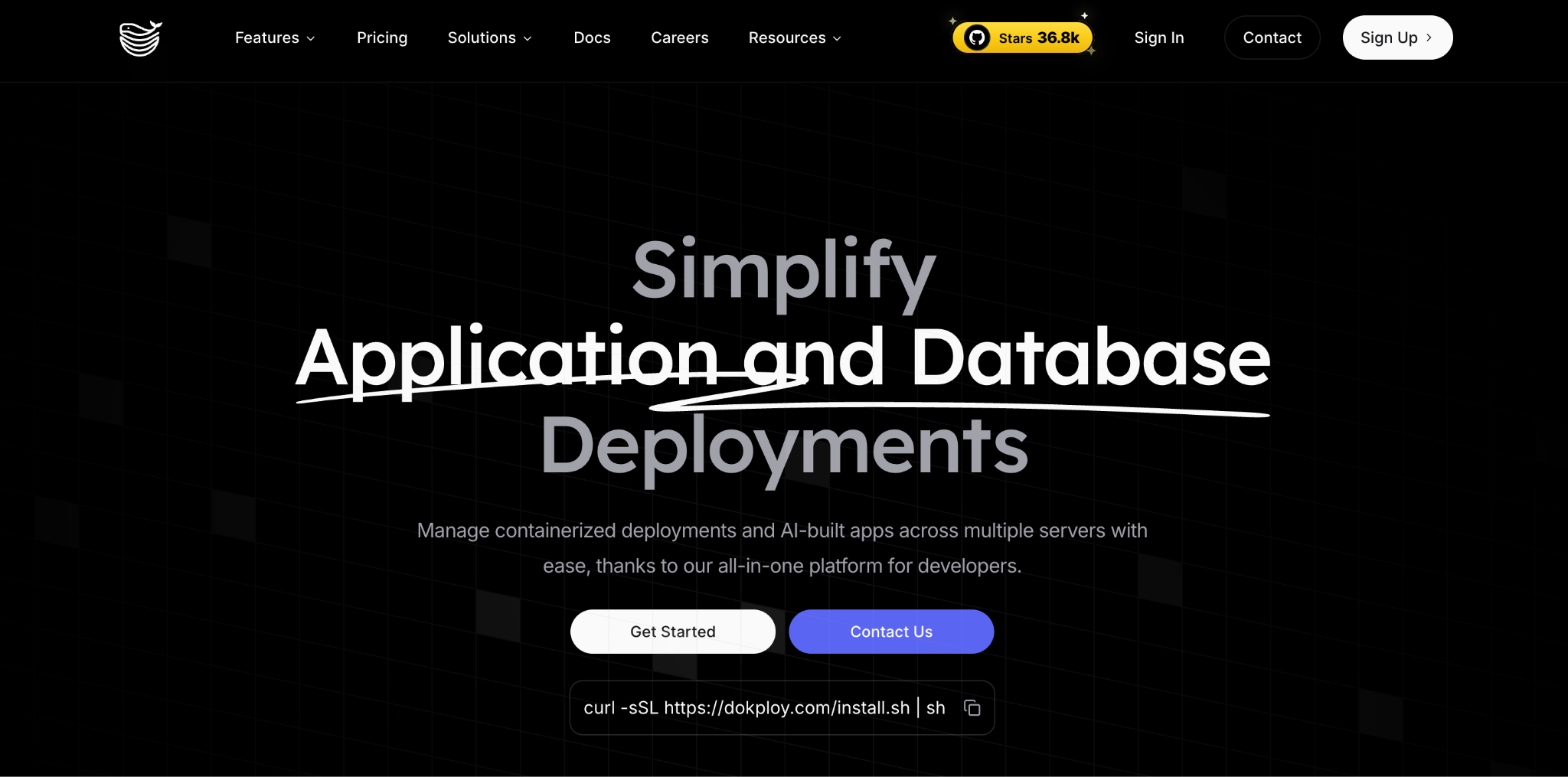
Dokploy takes an app from a Git repo, Docker image, or Compose file to a live URL with a Railway-style workflow.
It now ships primarily as a hosted service with published plans, though the underlying project remains open-source if you'd rather run it yourself.
Pros
- Cheap entry pricing, with straightforward per-server cost that's easy to predict.
- The self-hosted option is still available for teams that want to run it themselves.
Cons
- The Startup tier's included servers fill up fast for multi-app teams.
- Advanced governance sits behind Enterprise, so SSO and audit logs aren't available on the published tiers.
Pricing
Dokploy's Hobby tier costs $4.50/month per server. Startup starts at $15/month with 3 servers included, and additional servers cost $4.50/month each.
Enterprise pricing is negotiated directly, offered as either fully hosted or self-hosted in your own cloud.
See the Dokploy pricing page.
Kuberns
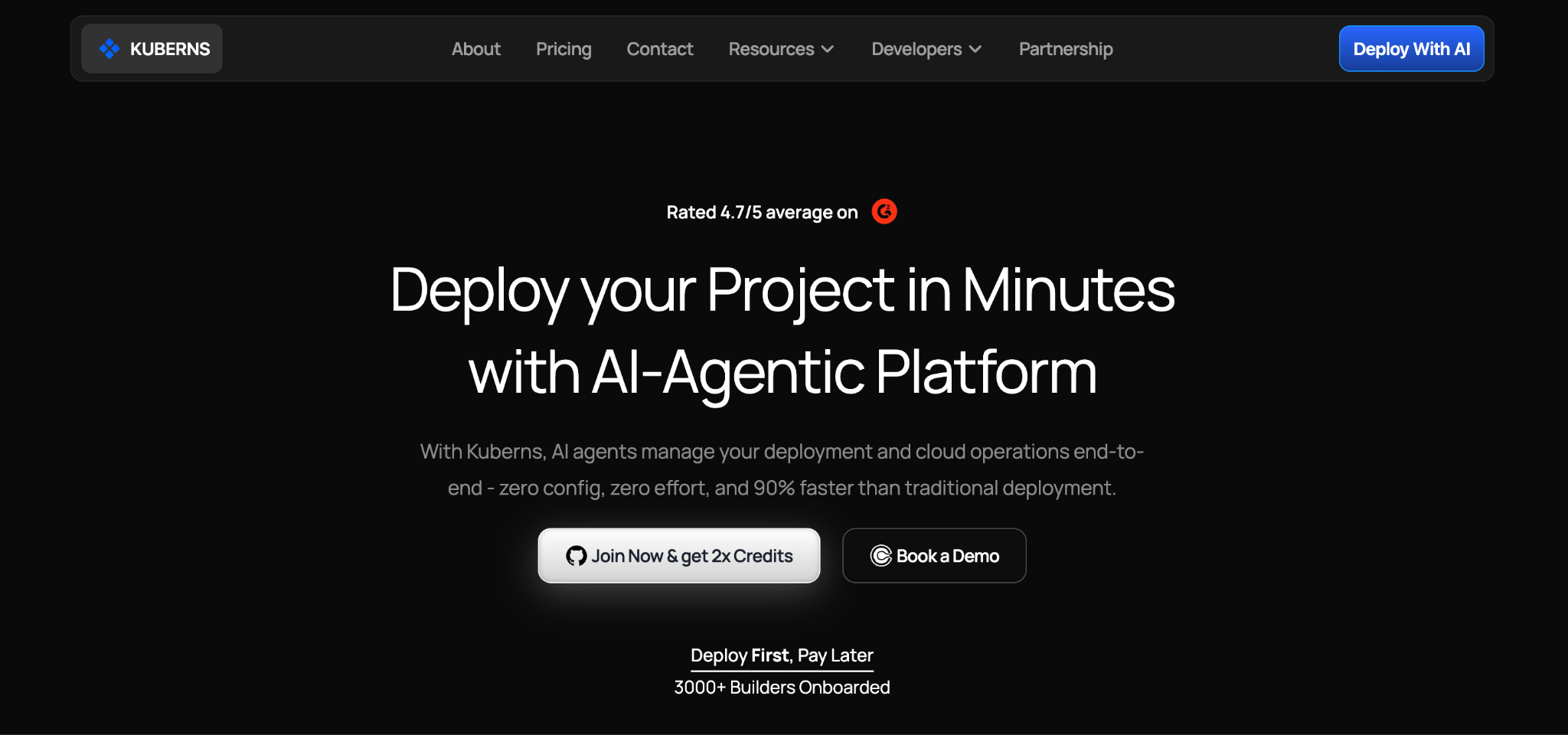
Kuberns is built specifically around apps produced by AI coding tools, taking code from Cursor, Claude Code, Bolt, or similar tools live with minimal configuration and no separate DevOps step.
Pros
- Zero platform fee, built around the AI-coding-tool workflow with no cold-start sleep on the free tier.
Cons
- Smaller community and track record than established PaaS players, with fewer enterprise governance features than Northflank or Superblocks.
Pricing
Kuberns charges no separate platform fee. The Starter compute tier costs $7/month for 512 MB of RAM and 2 vCPUs, scaling up through the Basic, Standard, and Pro tiers to $140/month for Pro Max, which includes 32GB of RAM and 8 vCPUs.
Kuberns bills by the hour, and the monthly figure assumes the app runs all 720 hours.
See the Kuberns pricing page.
Superblocks
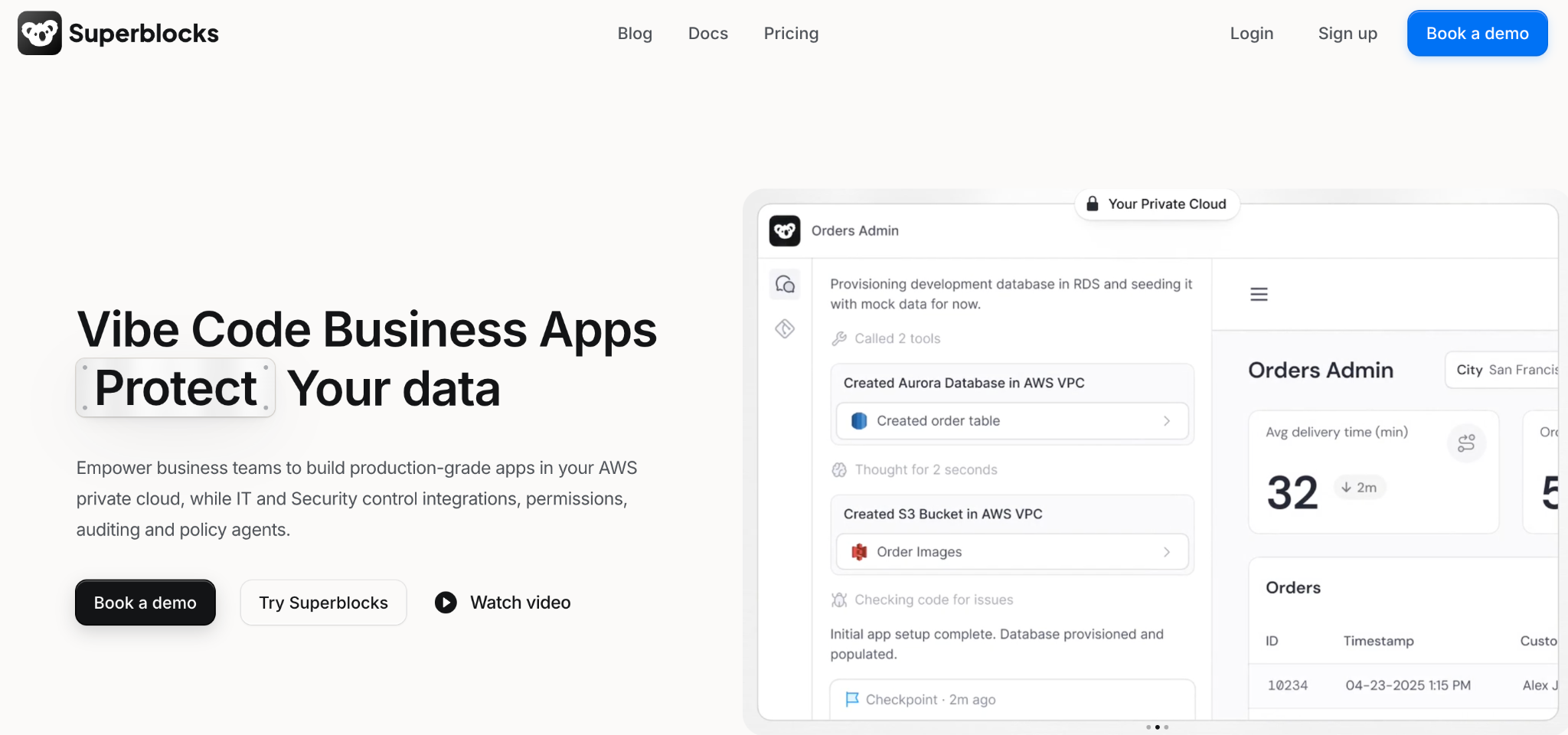
Superblocks is a governed enterprise vibe coding platform built on a SOC 2 and HIPAA-aligned foundation, where AI-built internal apps deploy inside guardrails.
That addresses a gap the other platforms here don't. Internal tools on business data need access control more than they need global edge regions.
Governance scales with the plan. Teams get you Clark AI app building, staging, and production environments, and hosting for one app per team.
Teams already include role-based access. Deeper enterprise controls, SSO and SAML, audit logs, and VPC or on-prem deployment, sit on the custom Enterprise tier.
Pros
- Hosted apps and environments included from the entry tier, with no separate hosting stack to configure.
- Role-based access ships on Teams, with SSO, audit logs, and VPC deployment reserved for Enterprise.
Cons
- Built for internal apps, with public consumer deployment out of scope.
- SSO, audit logs, and VPC deployment sit behind Enterprise, past the published Teams tier.
Pricing
Superblocks costs $125/month for Teams, billed monthly, including 100 Governed Agent Units, one hosted app, and role-based access. Enterprise adds unlimited app hosting, plus SSO, audit logs, and VPC deployment, priced by quote.
See the Superblocks pricing page or book a demo.
Google Cloud Run
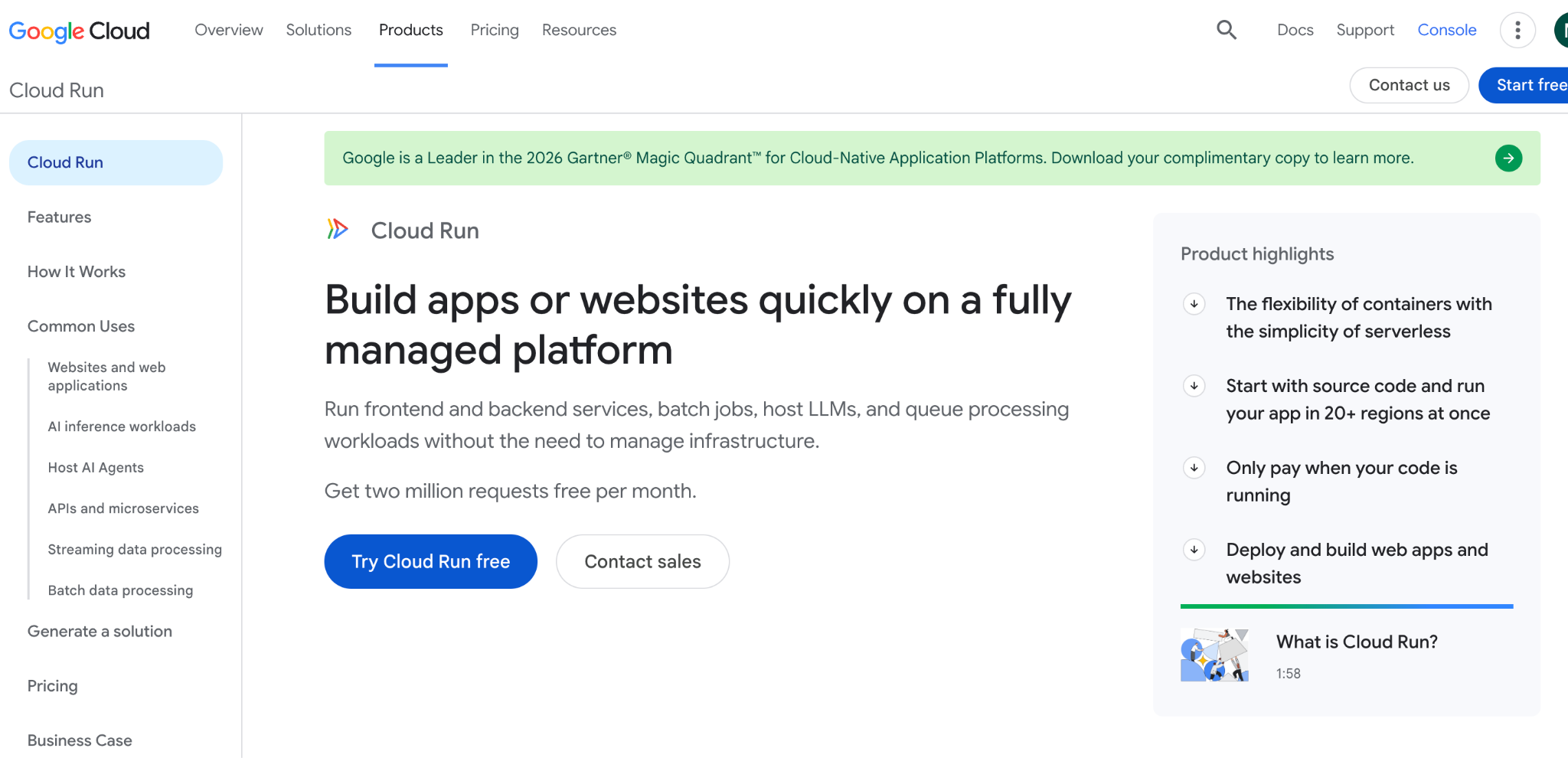
Cloud Run is a fully managed serverless platform that runs containers and scales to zero when there's no traffic, billed only for requests served. That suits internal tools or early-stage products with unpredictable load.
Pros
- Generous free tier for low-traffic apps, with true pay-per-request billing and a strong fit for teams already on Google Cloud.
Cons
- Cold starts on scale-from-zero can add latency, and it's less approachable than a PaaS if you're not already in GCP.
Pricing
Cloud Run's free tier covers roughly 2 million monthly requests before any charge applies.
Google's own pricing calculator runs a worked example for 10 million requests a month at 1 vCPU and 512 MiB, coming out to $13.69/month with the free tier applied, or $18.91/month without it.
See Google Cloud Run's pricing page.
Which stack should you choose?
Match the platform to your app's layers, not to whichever one lists the most features.
Choose Railway or Render if you:
- Want a fast, managed path with minimal configuration.
- Are shipping a straightforward full-stack app calling a hosted model.
Choose Vercel if you:
- Are deploying a Next.js or frontend-heavy AI app.
- Want the fastest preview-deployment workflow for a team.
Choose Fly.io or Northflank if you:
- Need global latency control or GPU-backed inference alongside the app.
- Want BYOC or multi-region deployment for compliance reasons.
Choose Dokploy or Kuberns if you:
- Want low-cost, predictable per-server or usage-based pricing.
- Are deploying output straight from an AI coding tool with minimal setup.
Choose Superblocks if you:
- Are deploying internal tools that touch real business data.
- Need governed app building and hosting, with deeper access control available as you scale.
Skip an app deployment platform entirely if you:
- Are only serving a trained model instead of an application. An MLOps platform like SageMaker or Vertex AI is the right layer for that.
Final verdict
Railway or Render is the sensible starting point for deploying an AI app, with Vercel taking the frontend-heavy cases.
Fly.io and Northflank earn their place once global reach or GPU workloads enter the picture, and Dokploy or Kuberns fit teams that want low, predictable costs without a per-seat model.
If the app in question is an internal tool running on company data, Superblocks covers a governance requirement none of the general-purpose platforms are built for.
Shadow AI is the new shadow IT, and a deployment stack with no built-in access control is exactly how that happens.
The right stack is assembled around your app's layers, rather than choosing a single tool that claims to do everything.
To try governed app building for yourself, start with the Superblocks Quickstart Guide.
Or book a demo to see Clark AI generating and deploying governed apps in your own environment.
Frequently asked questions
What is the best deployment stack for AI apps?
The best deployment stack for AI apps depends on the layers your app has, from the frontend and database to model inference and background jobs. Railway or Render cover most layers, and Superblocks covers governed internal apps.
What is the difference between AI model deployment and AI app deployment?
The difference between AI model deployment and AI app deployment is what gets served. Model deployment serves a trained model through platforms like SageMaker. App deployment hosts the application built around that model.
Can you deploy an AI app for free?
Yes, you can deploy an AI app for free on several platforms. Render, Vercel, Northflank, and Google Cloud Run all offer free tiers suitable for low-traffic apps. Dokploy's self-hosted version is free aside from server costs.
How do you deploy an internal AI app safely?
You deploy an internal AI app safely by using a platform with role-based access, scoped data access, and an audit trail, instead of a general host with no governance. Superblocks includes the first two on its $125/month Teams plan, with full audit logging on the Enterprise plan.
Do I need a different platform for every layer of my AI app?
No, you don't need a different platform for every layer. Consolidate on a single platform that covers several layers well enough, such as Railway or Render, and split them apart only once a single layer starts holding you back.
At Virgin Voyages, non-technical teams now build their own AI apps, with IT governance fully intact. The result: 15+ production apps, seven departments onboard, and zero dedicated frontend engineers.
At Matthews, a marketing manager with zero coding background built an app that auto-generates offering memorandums, cutting turnaround from days to hours. See how the brokerage is putting AI builders on every team, with full governance intact.


Stay tuned for updates
Get the latest Superblocks news and internal tooling market insights.
Request early access
Step 1 of 2
Request early access
Step 2 of 2

You’ve been added to the waitlist!
Book a demo to skip the waitlist
Thank you for your interest!
A member of our team will be in touch soon to schedule a demo.
production apps built
days to build them
semi-technical builders
traditional developers
high-impact solutions shipped
training to get builders productive
SQL experience required
See the full Virgin Voyages customer story, including the apps they built and how their teams use them.

"Those tools are great for proof of concept. But they don't connect well to existing enterprise data sources, and they don't have the governance guardrails that IT requires for production use."
Table of Contents
%20(1).png)

Multiple authors
12 AI Agent Deployment Best Practices [2026]
AI agent deployment best practices that move an agent from offline evals to full traffic in stages, with scoped tools and a way to revoke it mid-task.
%20(1).png)
%20(1).png)